This is based on real testing of Gamma, where we’ve shared our testing experience and actual outputs. The goal is to give users a clear and honest idea of how Gamma actually works in practice, including what it does well and where it falls short. This guide will help you decide before you try or pay for Gamma.
What Is Gamma AI?
Gamma is an AI-powered tool for creating presentations, documents and webpages from a simple prompt. It can generate complete slides, add AI images, apply themes, rewrite content and help you edit the presentation using AI. You can also customize the design, collaborate with your team and export or share the finished work in different formats. New free users get 400 credits(as of Sep 2026), which they can use to try everything, including presentations, webpages, documents and social content.
Quick Comparison: Gamma AI
Features We Tested | Our Take |
|---|---|
AI Presentations | Best part of Gamma |
Presentation Editing | Easy to customize and refine |
Documents | Useful for quick content creation |
AI Websites | Easy, but output felt template-like |
AI Image Generation | Lots of models and controls |
LinkedIn Carousels | Quick to create and customize |
Templates | Useful starting point |
Export & Sharing | Plenty of useful options |
Ease of Use | Simple prompt-based workflow |
Credit Usage | Check usage before generating heavily |
Gamma Pricing
Plan | Monthly Price | Credits | Best For | Main Features |
|---|---|---|---|---|
Free | $0 | 400 (one-time) | Trying Gamma | Basic features, Gamma branding |
Plus | $12 | 1,000/month | Regular users | 100 slides/prompt, no Gamma branding, AI image models |
Pro | $25 | 4,000/month | Advanced users | Premium AI models, custom branding, analytics, API access |
Ultra | $100 | 20,000/month | Heavy AI users | Most advanced AI models, 100 custom domains, early features |
Business | $40/seat | 10,000/seat/month | Teams | Shared credits, SSO, advanced controls, AI models |
Enterprise | Custom | Custom | Large organizations | Admin controls, API governance, SCIM, dedicated support |
Annual billing: Plus $9/month, Pro $18/month, Ultra $90/month and Business $40/seat/month.
Note: Because Gamma's pricing and credit limits can change, verify the current limits before publishing this section.
Gamma Pros and Cons
Pros | Cons |
|---|---|
Easy to create presentations from a simple prompt | AI output can sometimes feel generic |
Produces professional-looking designs quickly | Some generated content may need fact-checking and editing |
Supports presentations, documents, websites, and more | Free plan includes Gamma branding |
Good layouts, visuals, and formatting | Advanced features require paid plans |
Easy to edit and customize generated content | Some users report issues with support and billing |
Useful AI image generation and visual features | Complex prompts may not always give the expected result |
1.Gamma AI Presentation
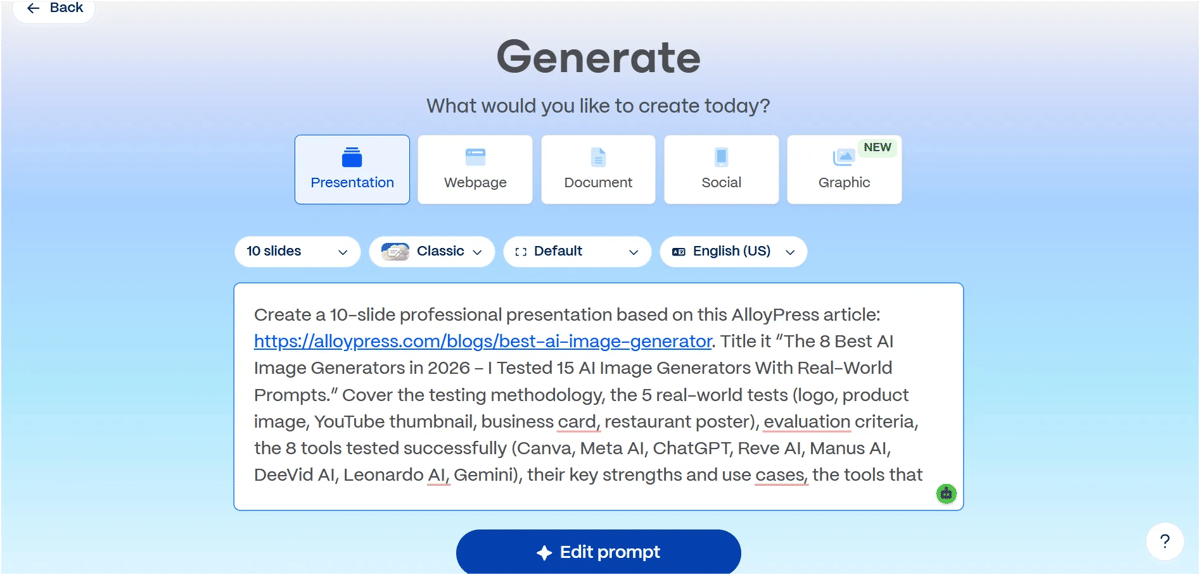
When you click Generate, Gamma starts generating the presentation live, so you can see the progress instead of waiting around. It usually takes just a few minutes to get the presentation ready. It took 52 credits to create one presentation.
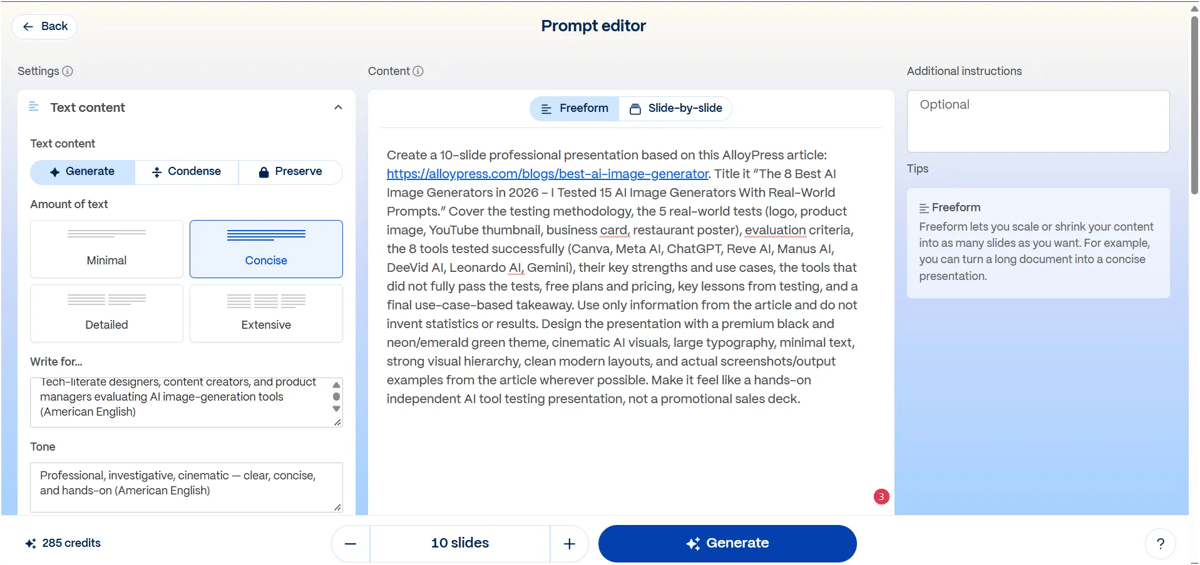
The best part is the customization. You can change the theme, use the AI agent to give instructions and make edits, insert templates and generate AI images. In presentations, each AI-generated image costs 6 credits.
If your slides have too much content and it overflows, Gamma shows it as an error, so you’ll need to shorten or simplify the content.
Once your presentation is ready, you get several export options, including PDF, PowerPoint, Google Slides and PNG. You can also post it directly to LinkedIn, share it with others using a link, collaborate with your team or use the embed code to add it to your website. Gamma also lets you publish the presentation as a webpage and provides analytics to track its performance.
With the free plan, you can generate up to 10 slides, while the Plus plan lets you generate up to 100 slides.
2.Gamma Document
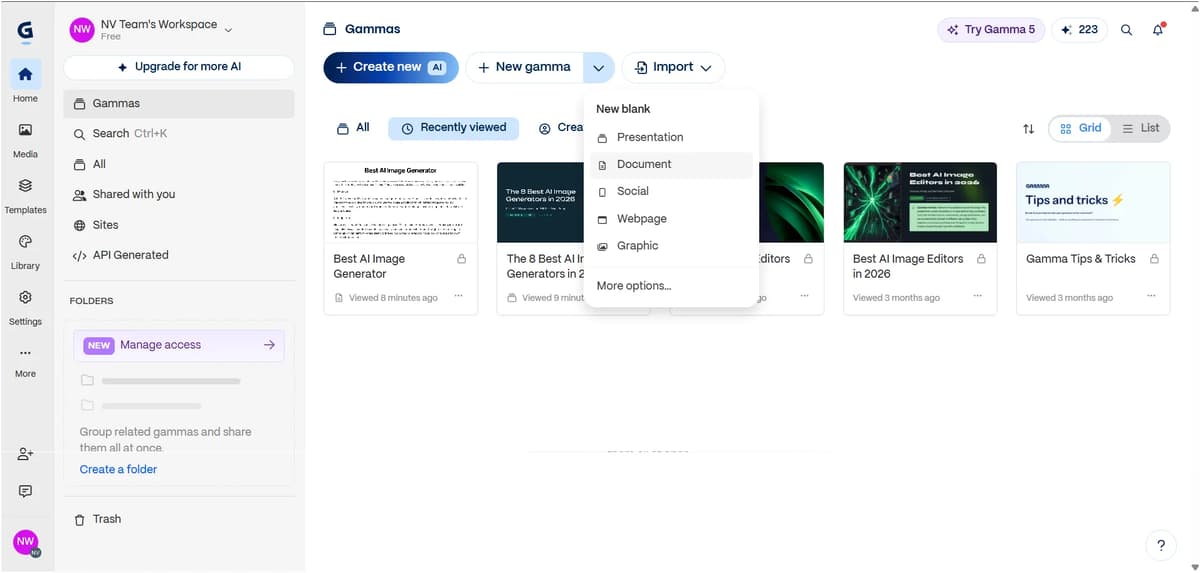
Once you select the Document option and open it, a plain document like the one shown in the image below will appear. If you already have the content, you can simply paste it there. You can also use AI to generate the content by entering a prompt.
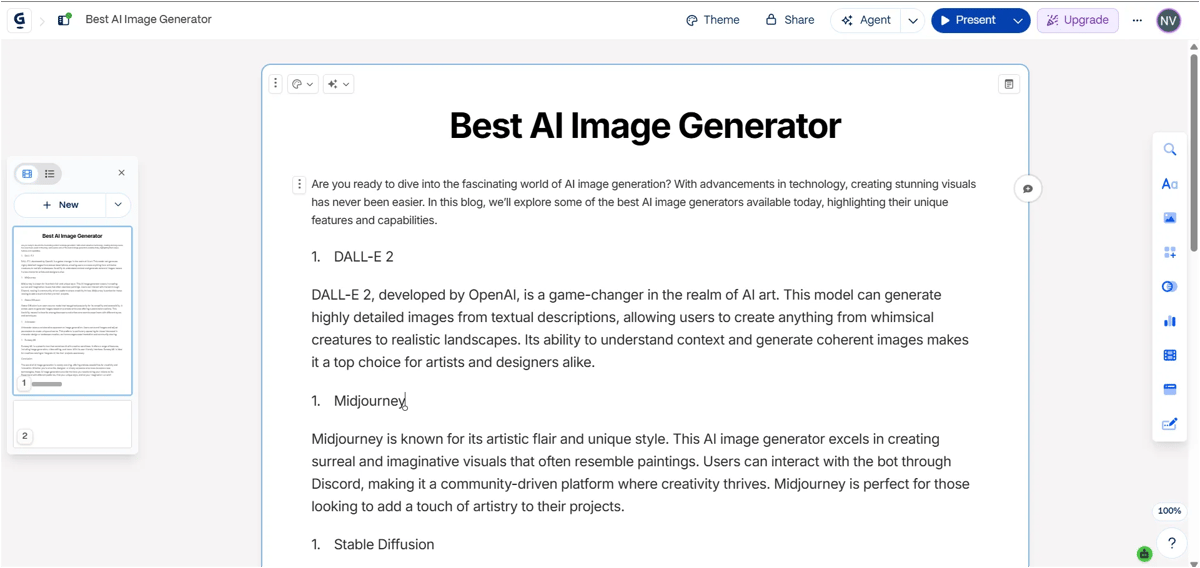
You can do almost everything with documents that you can do with presentations. You can create, customize, edit, export, view analytics and share them in the same way.
3.Gamma AI Website
The process is the same. Just as with presentations and documents, select the Webpage option and enter a prompt describing the page you want. You can select the webpage option and give a prompt based on the type of webpage you want. Gamma then builds a live webpage, which costs around 40 credits.
But the output wasn’t as good as I expected. You can publish it directly on Gamma’s subdomain and there are editing options and some animations. It’s simple and easy to use, but it still feels a bit template-like. If you’re looking for a dedicated AI website builder or landing page builder, check out AlloyPress’s comparison of the best AI website builders
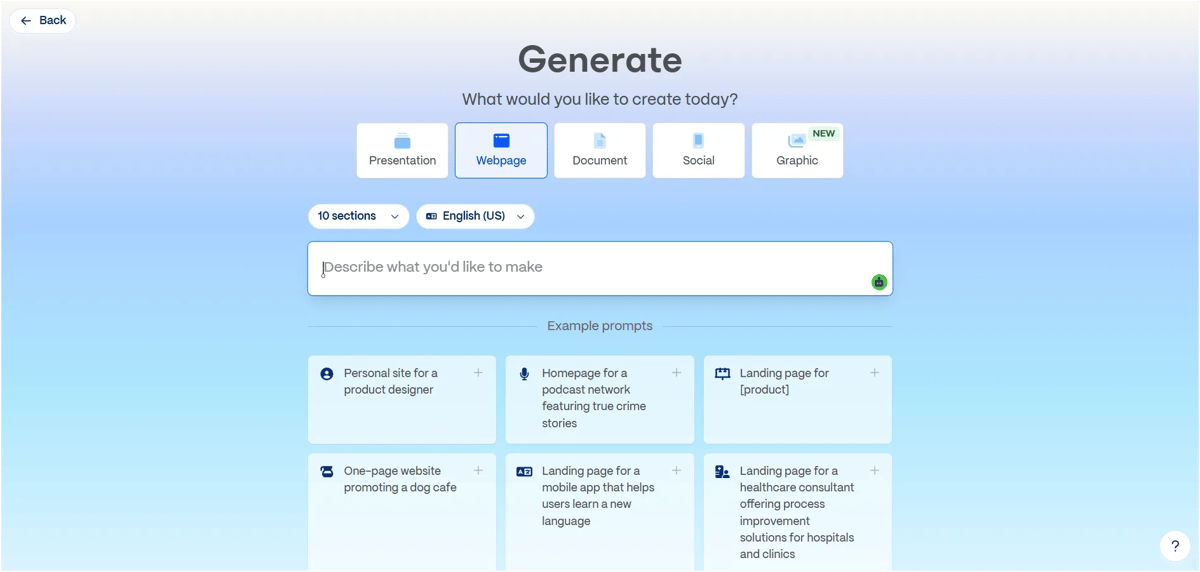
Here's the webpage Gamma generated in my test:
View the live webpage Gamma generated.
4.Create from Templates
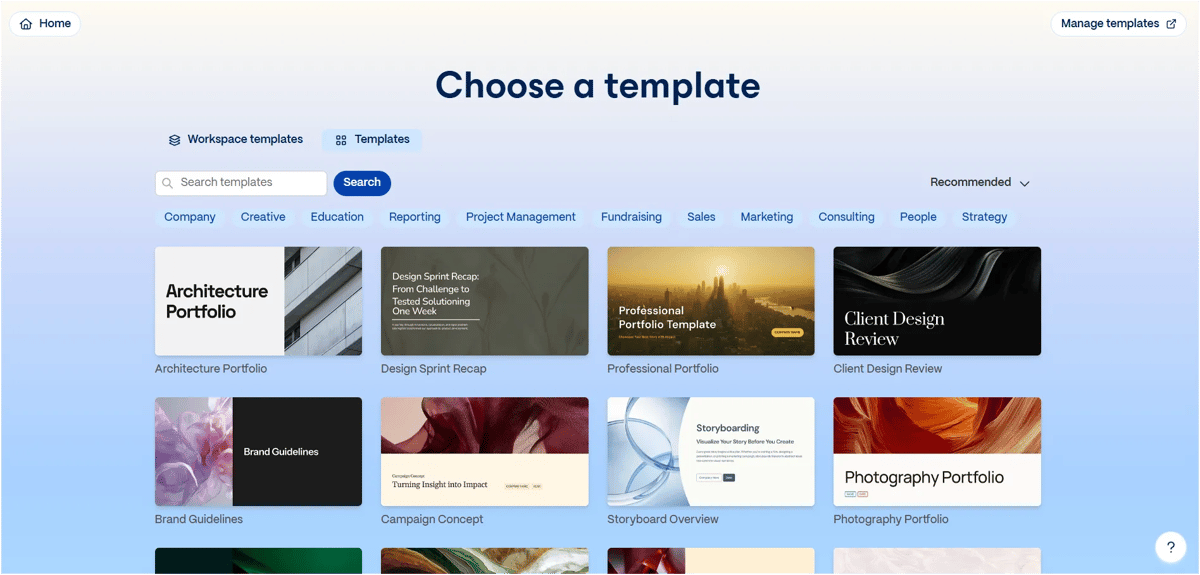
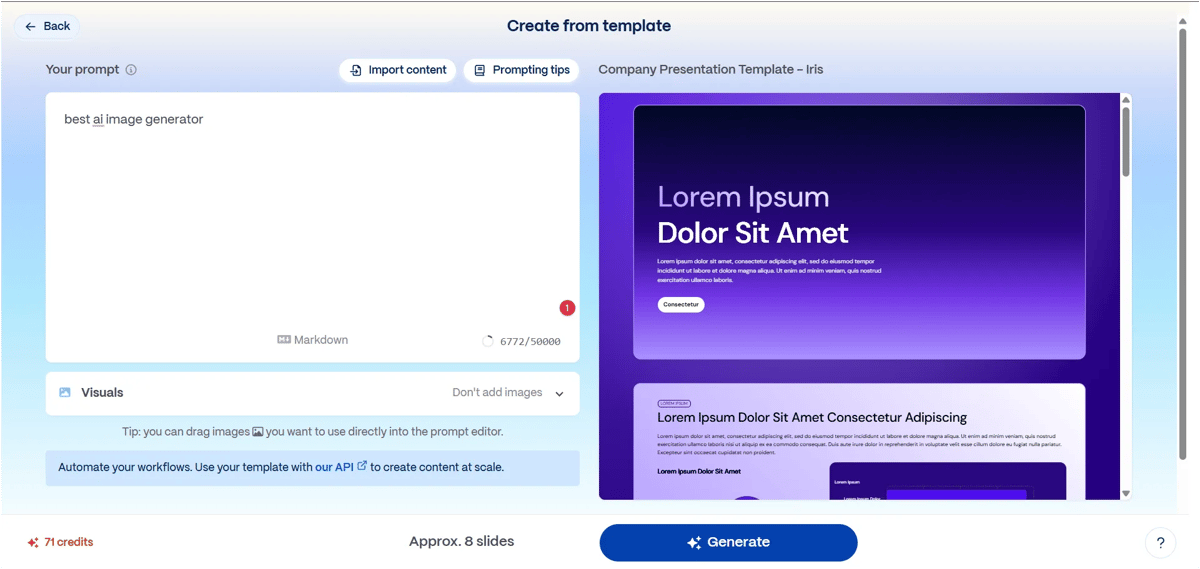
Select the template you like and click Create from Template. The screen shown in the image below will appear. You can enter your content or a prompt there and your presentation will be ready within a few minutes. It generates very quickly and you can easily edit the presentation afterward.
5.Import with AI
If you already have the content, you can use files from your device, Google Drive or even a URL to generate slides from that content.
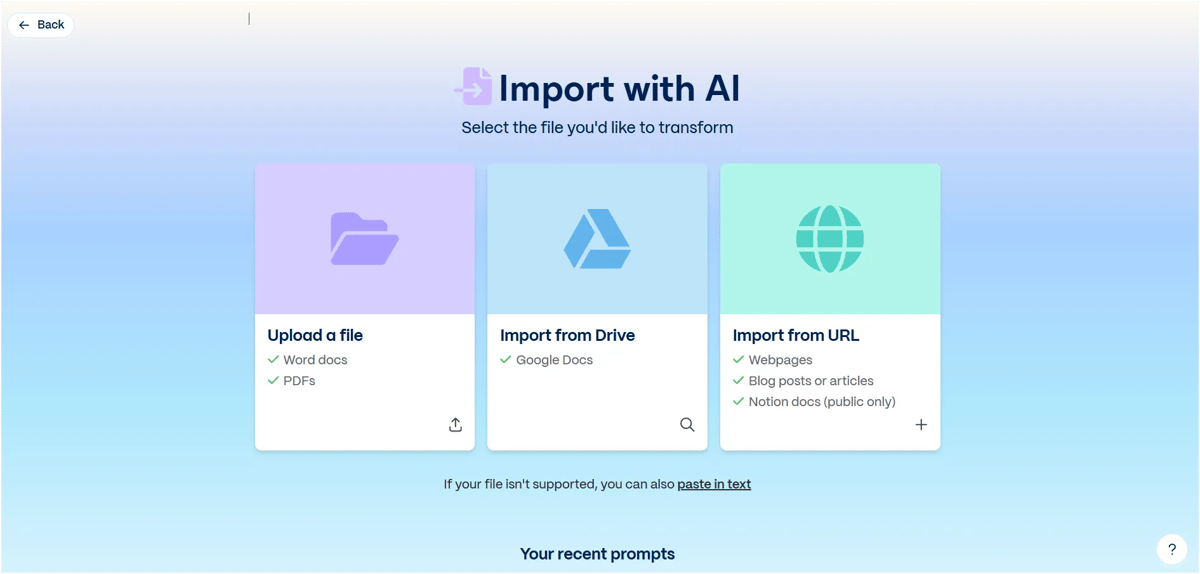
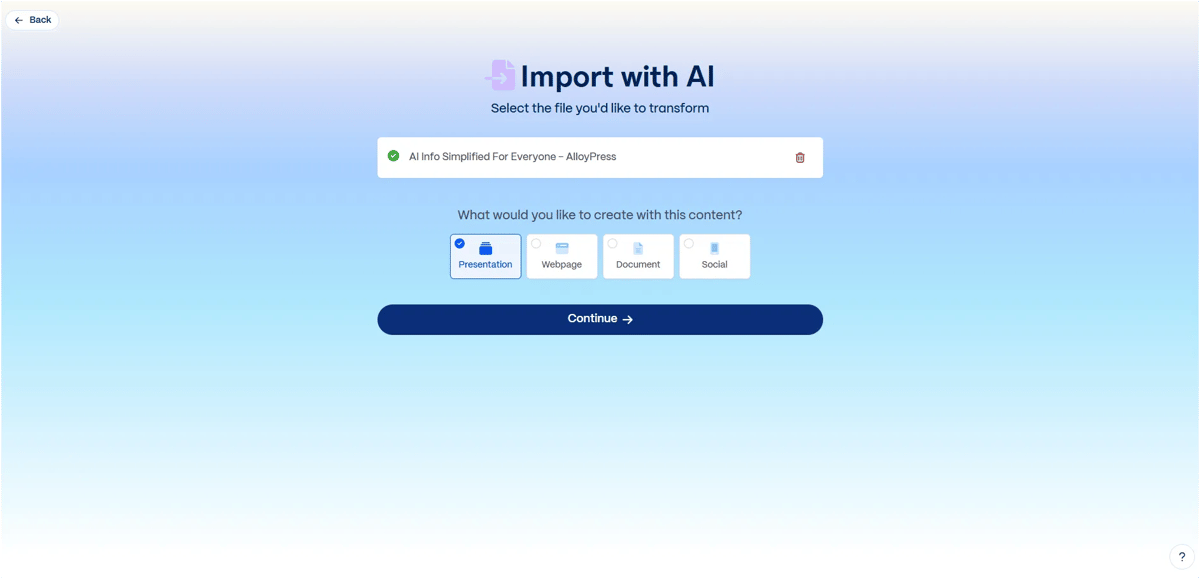
We used the URL option and entered my link. Then the page shown below will appear. From there, you can choose whether you want to create a presentation, website, document, social content or anything else you need.
6.Gamma AI Graphic
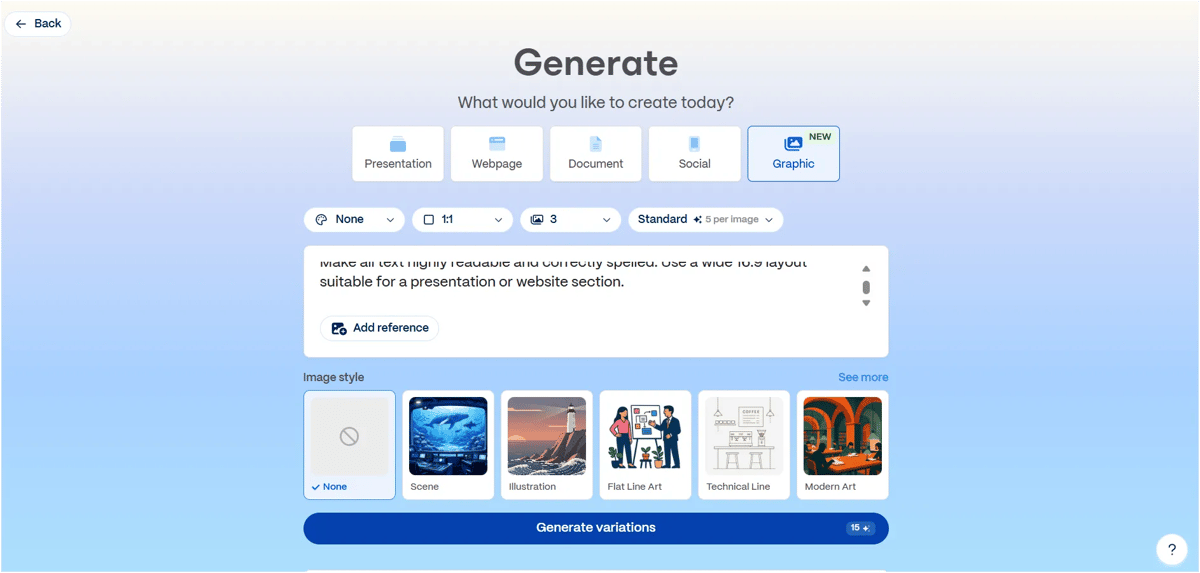
One image costs 5 credits on the Standard option, while the Premium option costs 70 credits per image.
We generated three variations in one generation and Gamma charged 5 credits for the generation rather than 5 credits per variation.
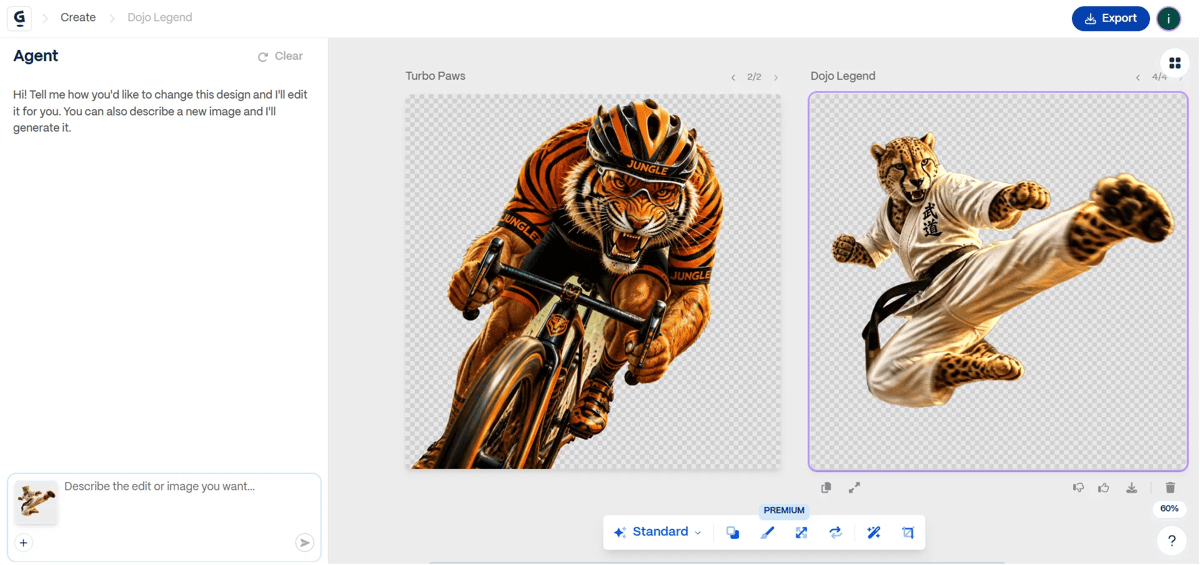
When we click on an image to view it, it opens in an editor-like canvas. Below the image, there are several useful options, including Background Remover, Resize, Image Editor, Erase, Enhance and Crop.
The images can also be downloaded easily. Overall, the image quality is good and the background removal works well too. You can see the output and the background removal result below.
7.Gamma Carousel Post
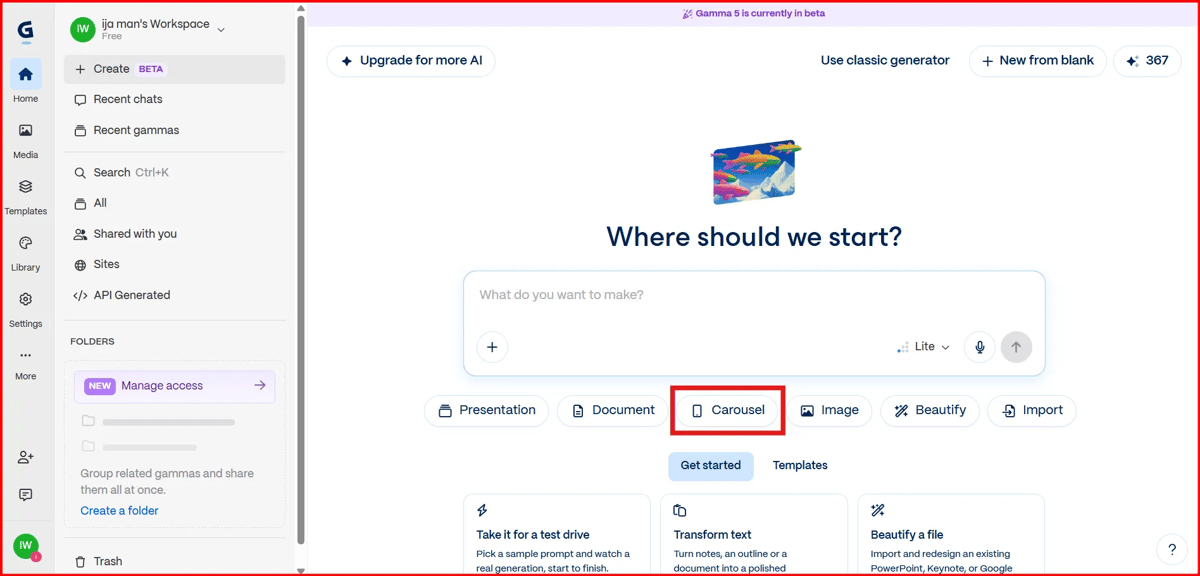
Select the “Carousel” option shown in the image above and simply enter your prompt. Gamma then asks four setup questions (audience, core promise, closing CTA and design). Answer each one and pick a design. After that, it will look like the image below.
It costs 33 credits to generate one carousel post and once it’s ready, We can easily customize and edit the final output.
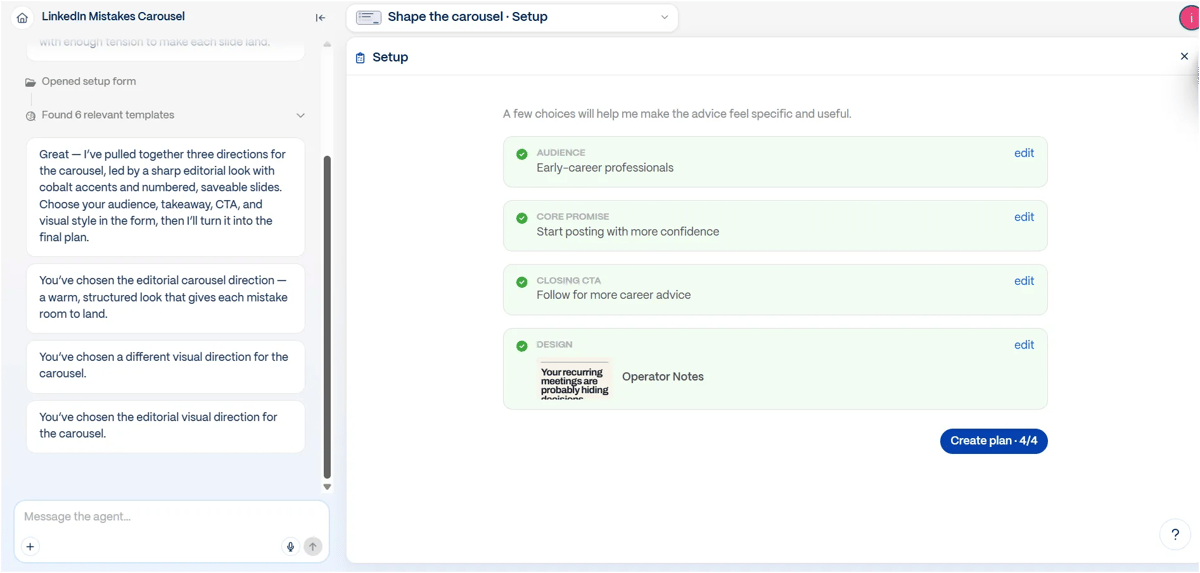
Then, once you click “Create Plan,” your outline will be ready, like the one shown in the image below.
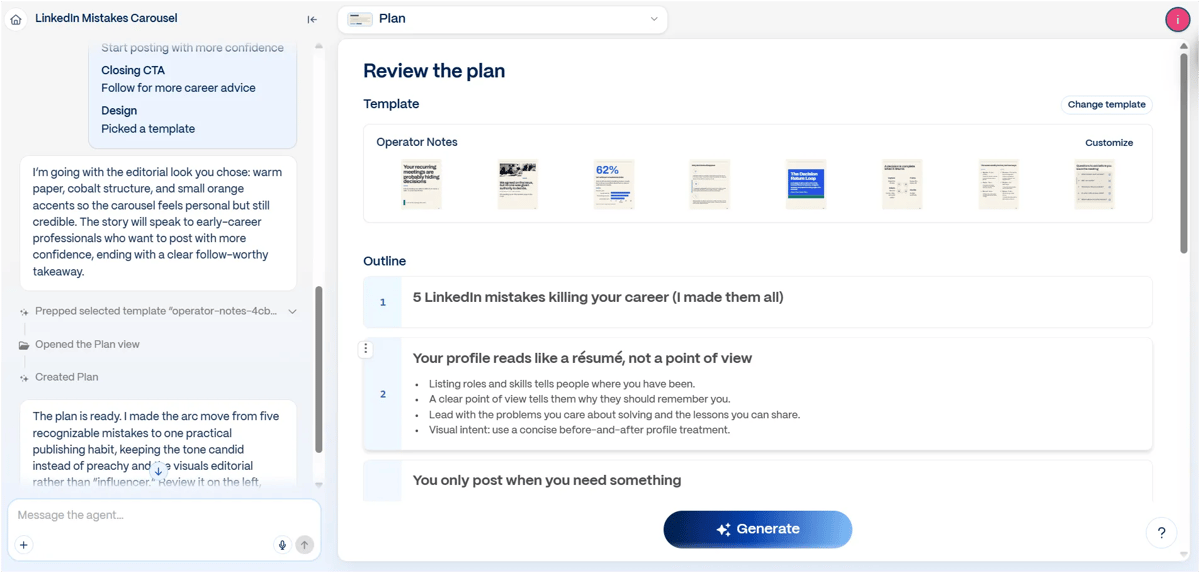
Then your carousel will start generating live. Once it’s ready, you can download the PNGs or PDF or publish it directly to LinkedIn.
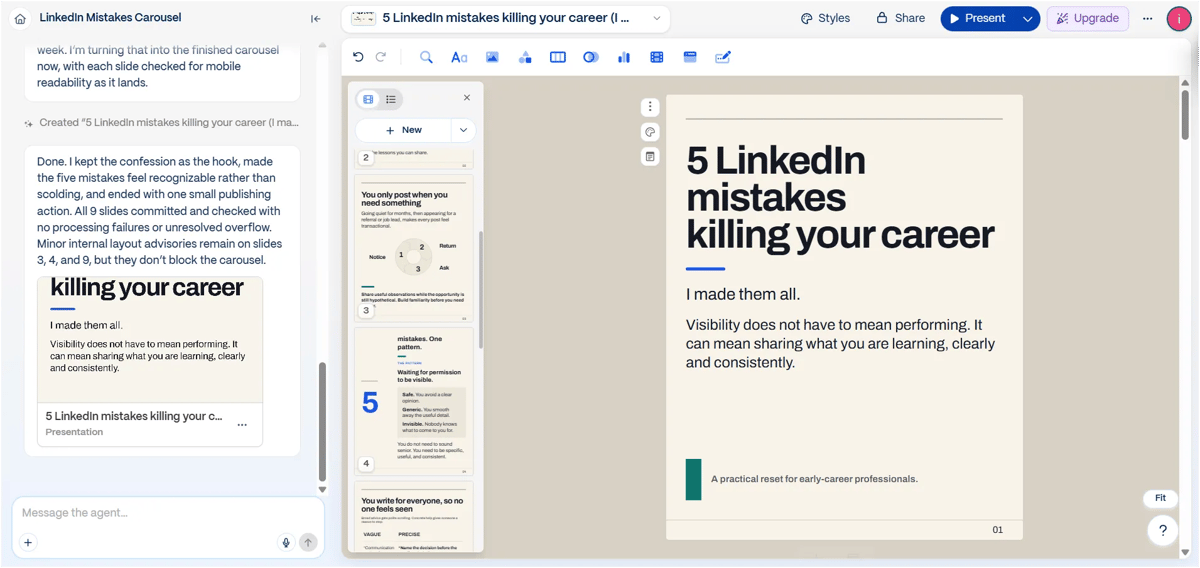
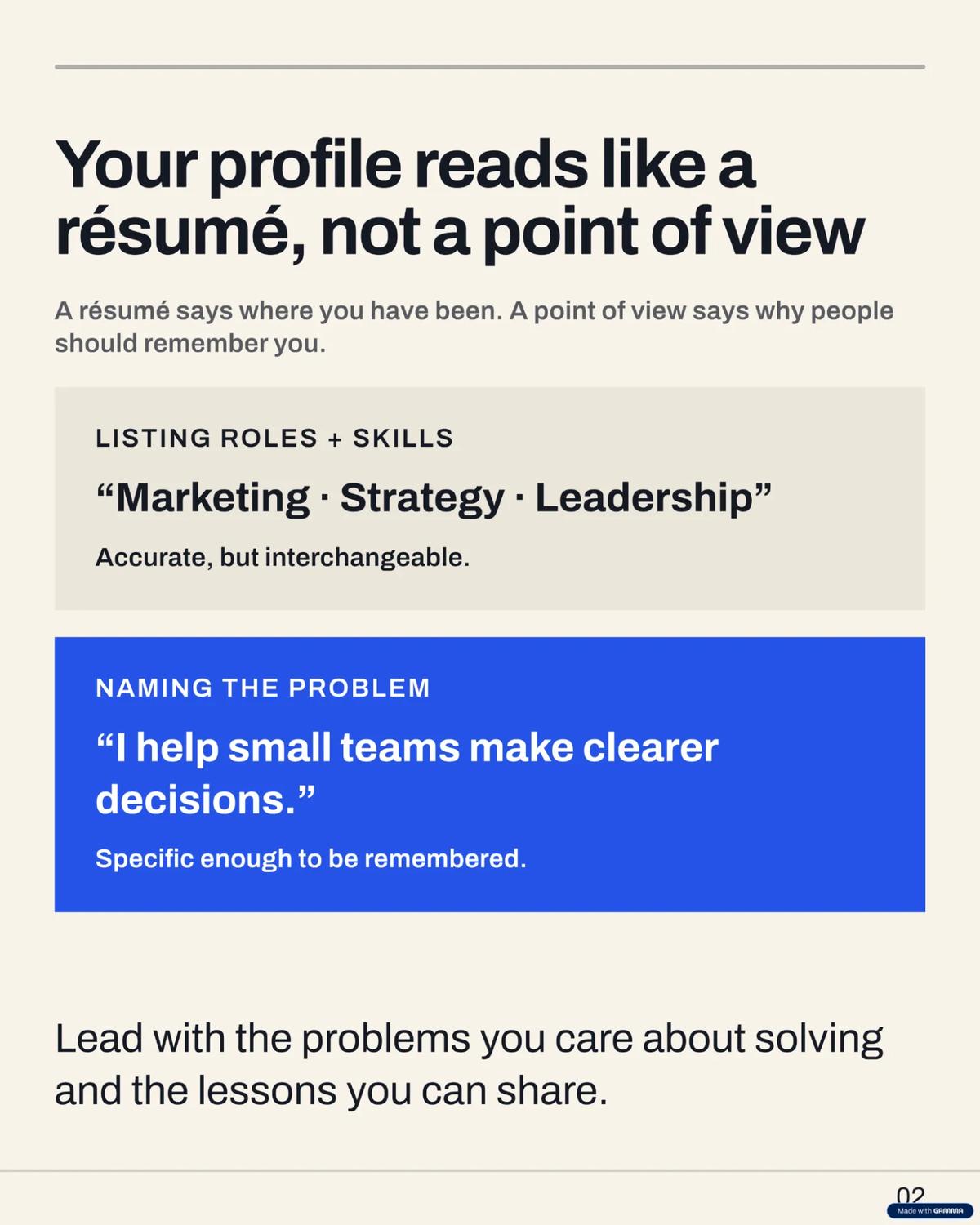
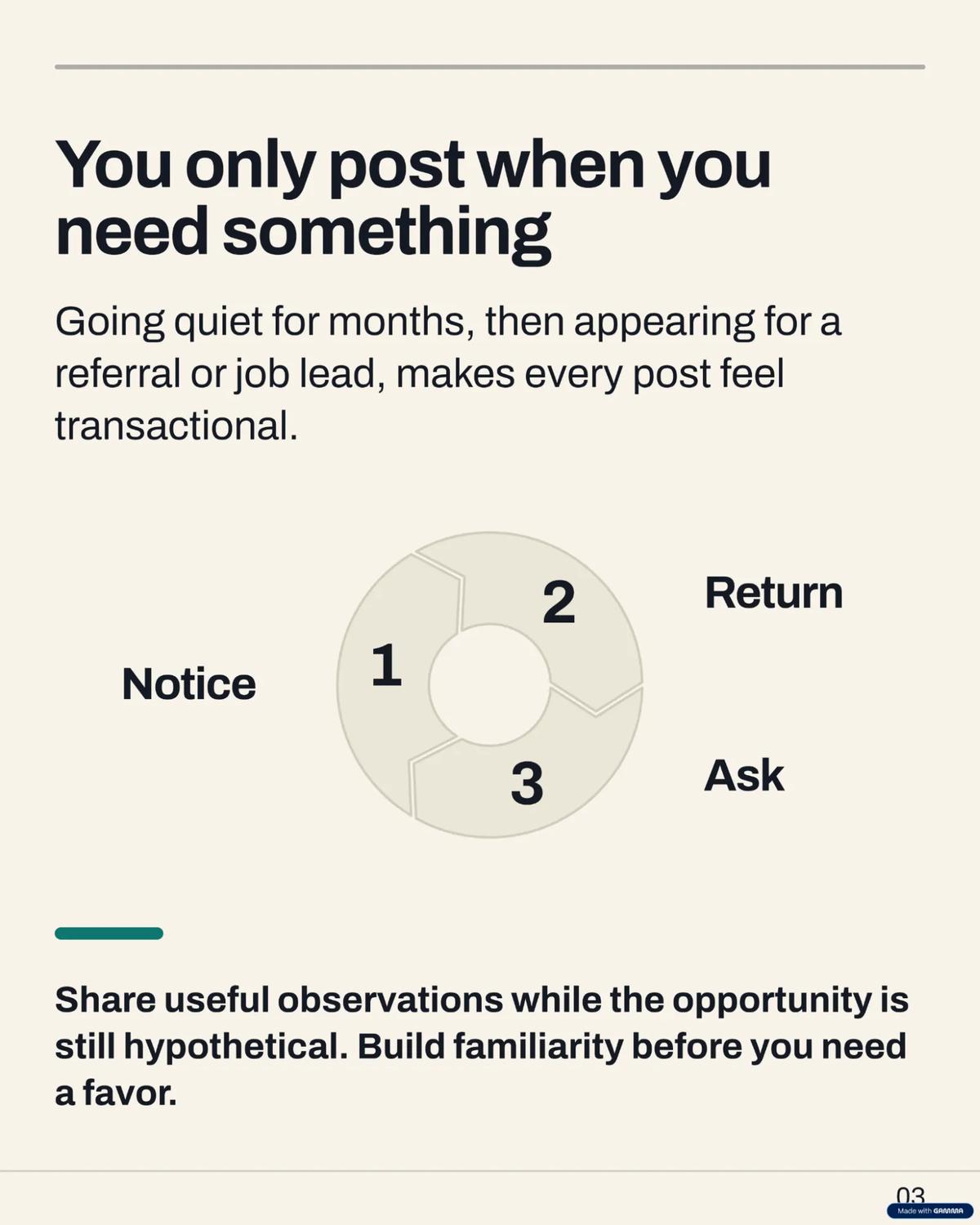
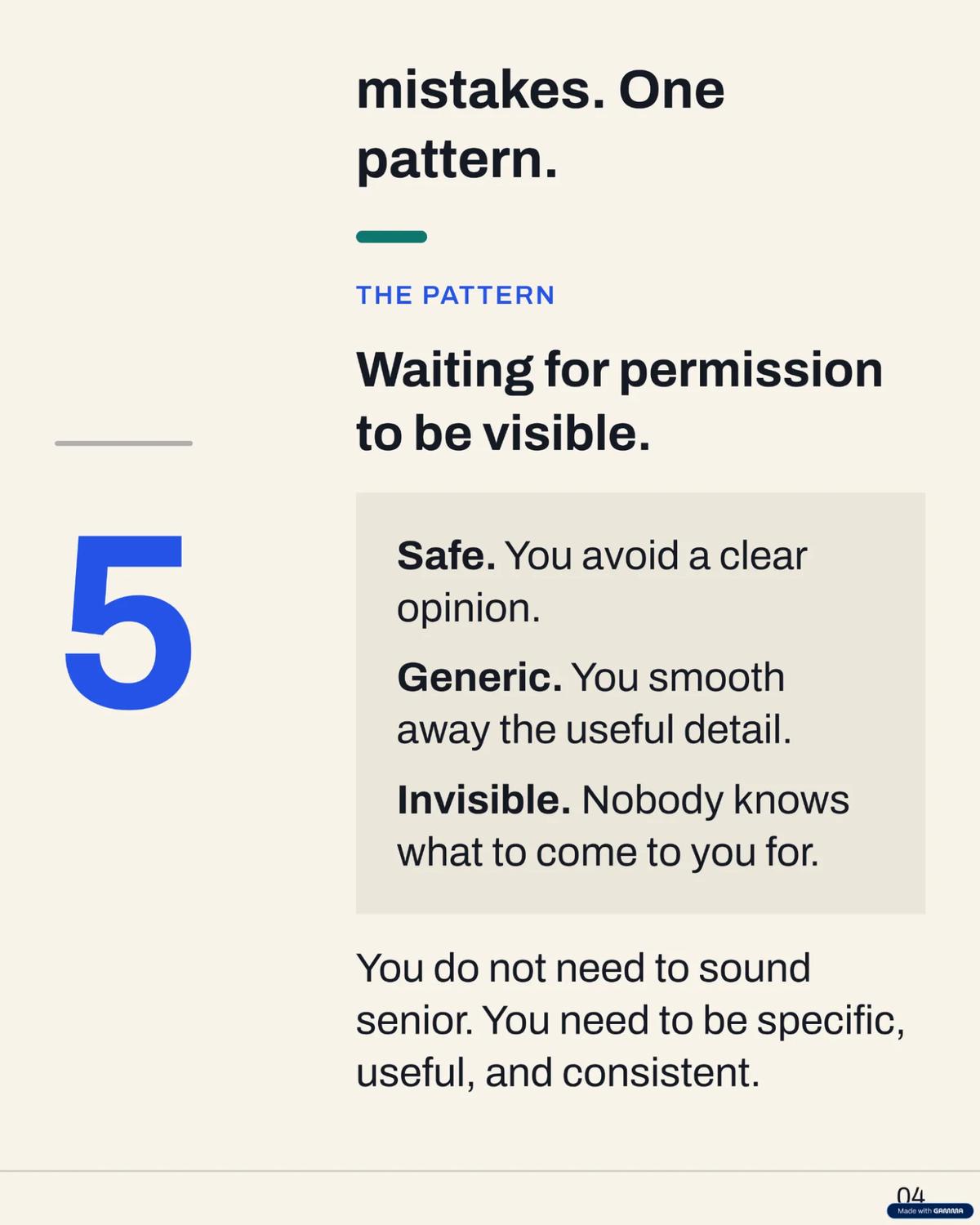
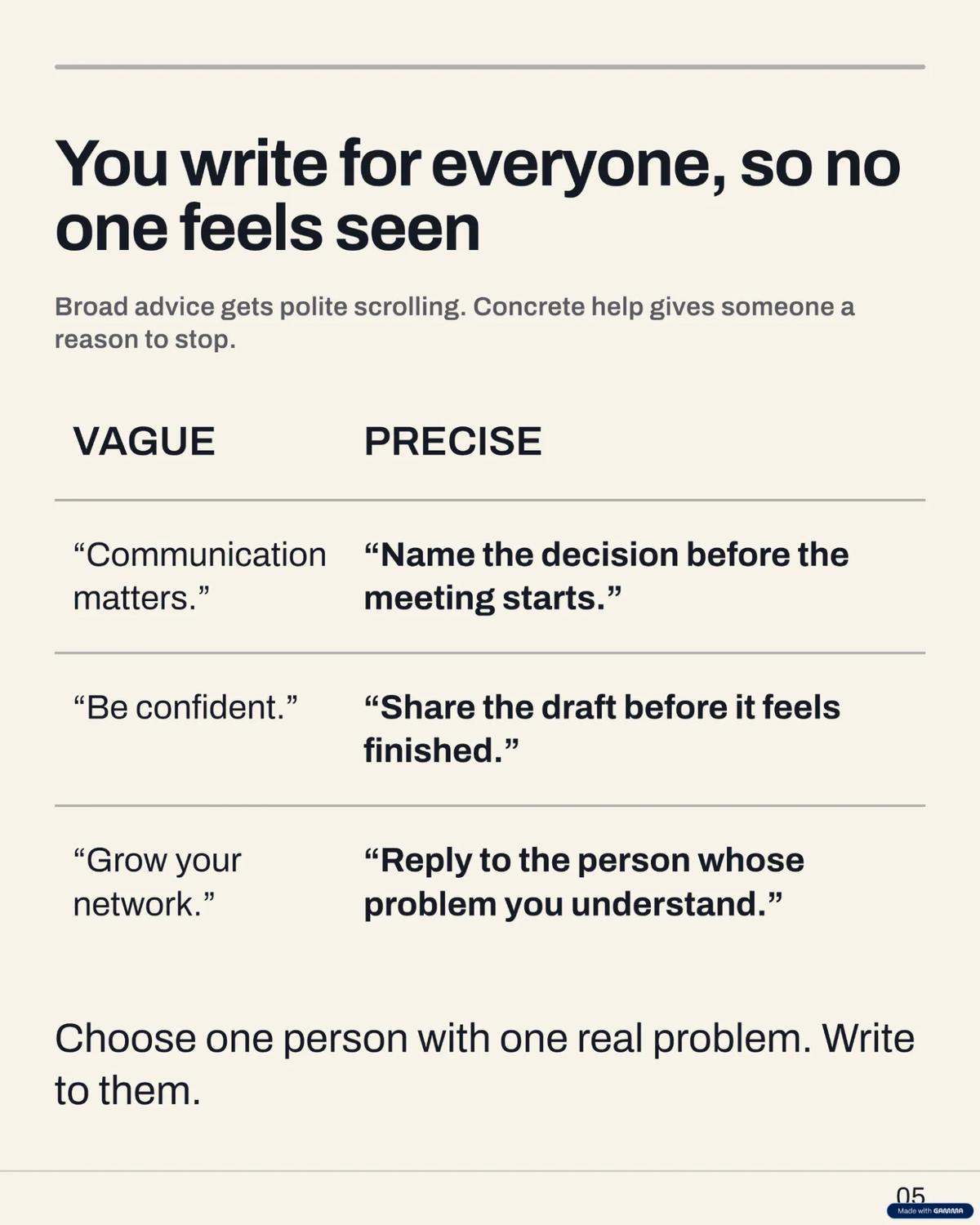
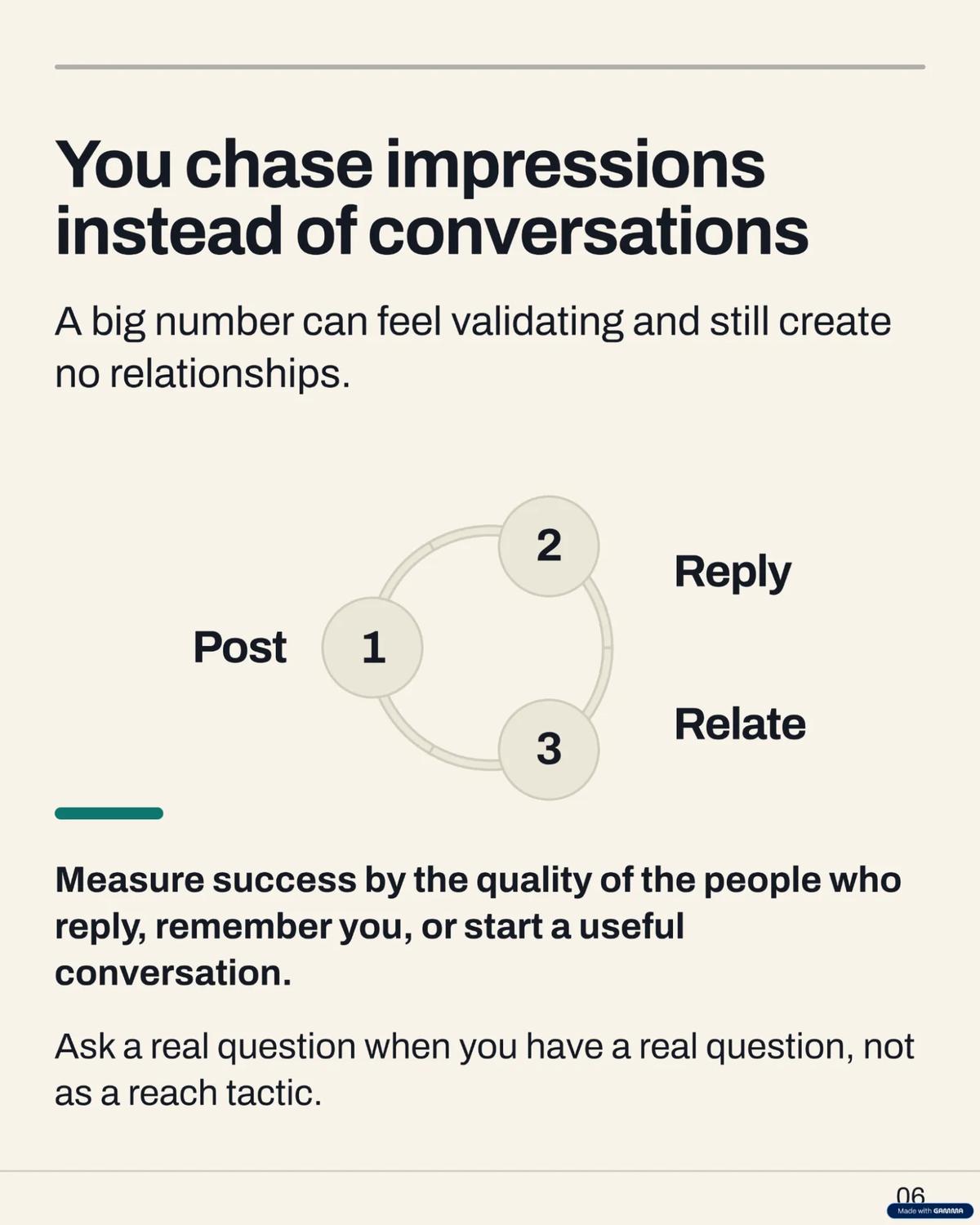
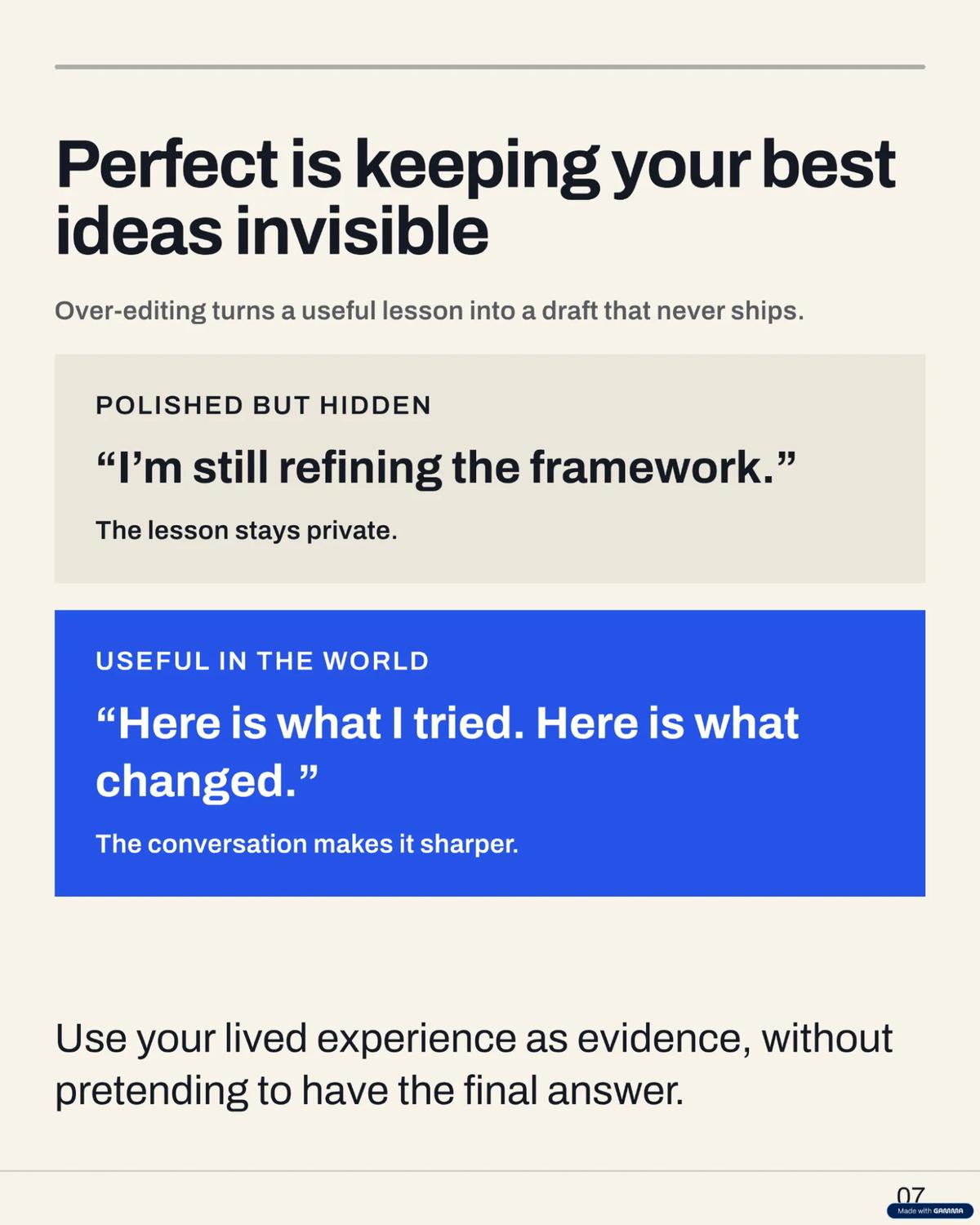
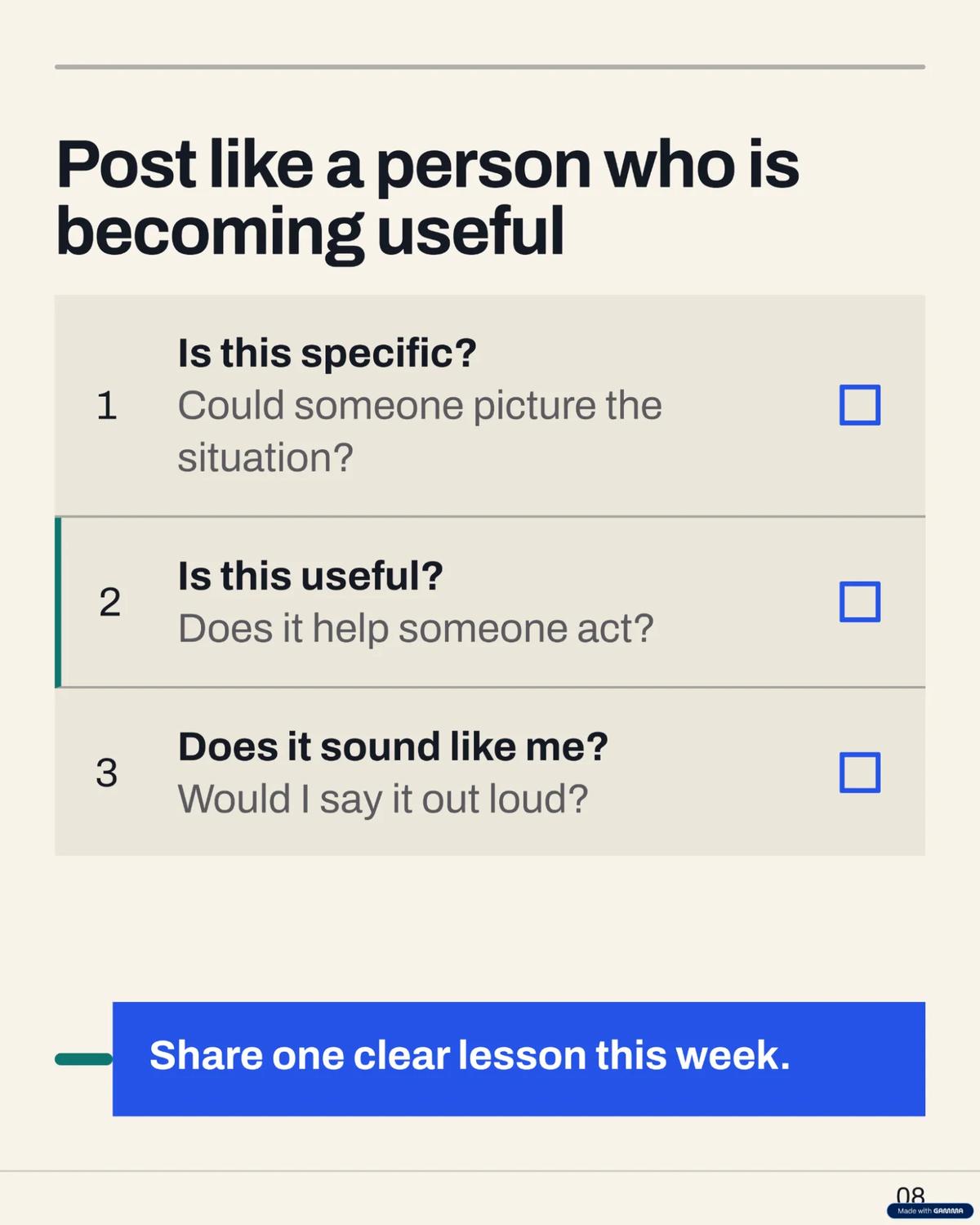
Here are the actual carousel slides Gamma generated in our test.


8.Gamma AI Image Generation
We checked Gamma and it has many image-generation models available. The free plan gives access to three basic models, while the paid plans unlock more advanced models. Each model clearly mentions how many credits it costs per image. We can also generate four image variations in a single generation, choose the aspect ratio and add reference images. There are three types of references: Style Reference, Character Reference and Content Reference. We can also choose the image generation effort level: Lite, Standard or Max.
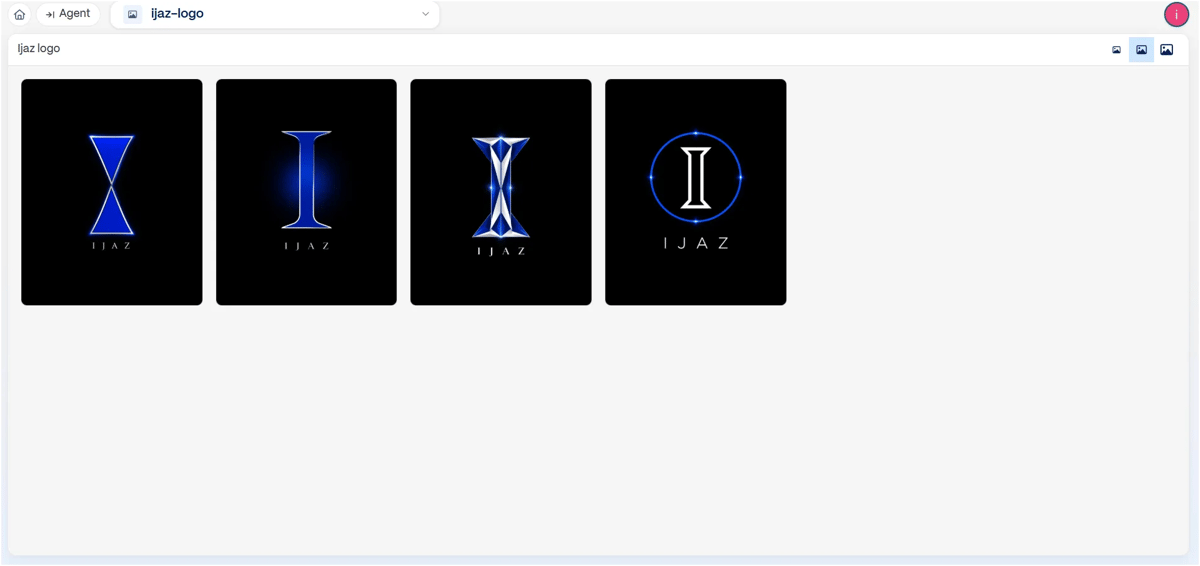
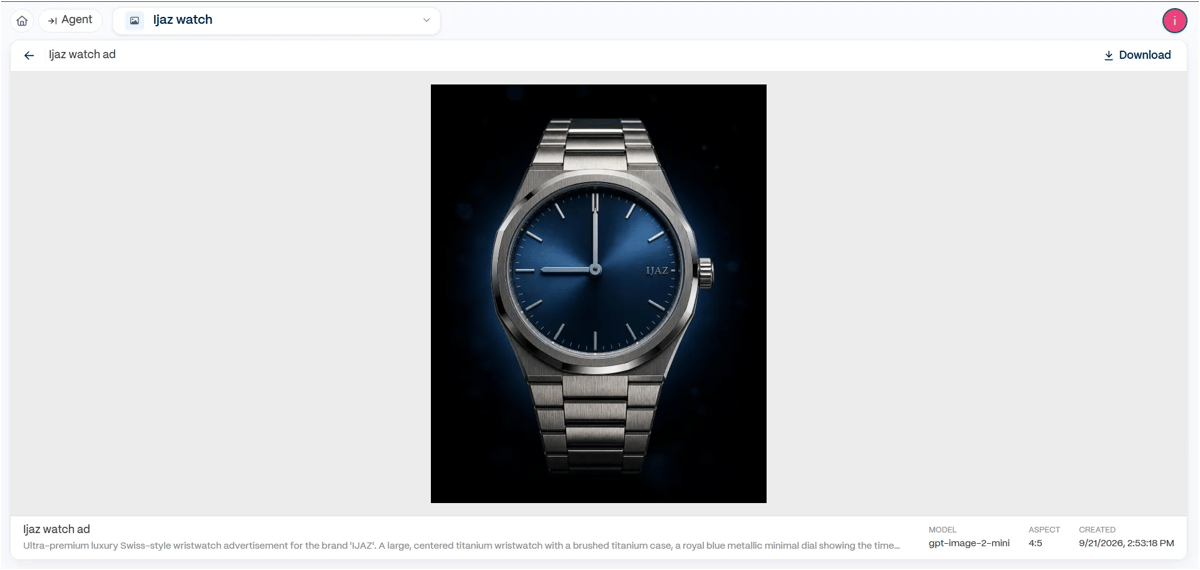
While the image is being generated, a message appears saying, “Open failed. Trying a different approach next.” However, if we click Generate again or wait a few seconds, the image starts loading and is generated below. We weren't sure why this warning appeared. The generation worked after retrying, but the message could be clearer.
In our testing, Gamma's image-generation credit usage appeared to increase with more complex prompts. When we give a detailed prompt that requires more elements and complexity, it uses more credits. For a simple image, it spends fewer credits. In our tests, a generation used around 40 credits at the low end and up to 130 credits for more complex prompts for a single generation.
For generating four image variations in one attempt, We used the ChatGPT image model and the output quality was quite good.
Overall, Gamma offers…many different modes and models, so users can switch between models and generate images based on their requirements.
Gamma 5 Is Here
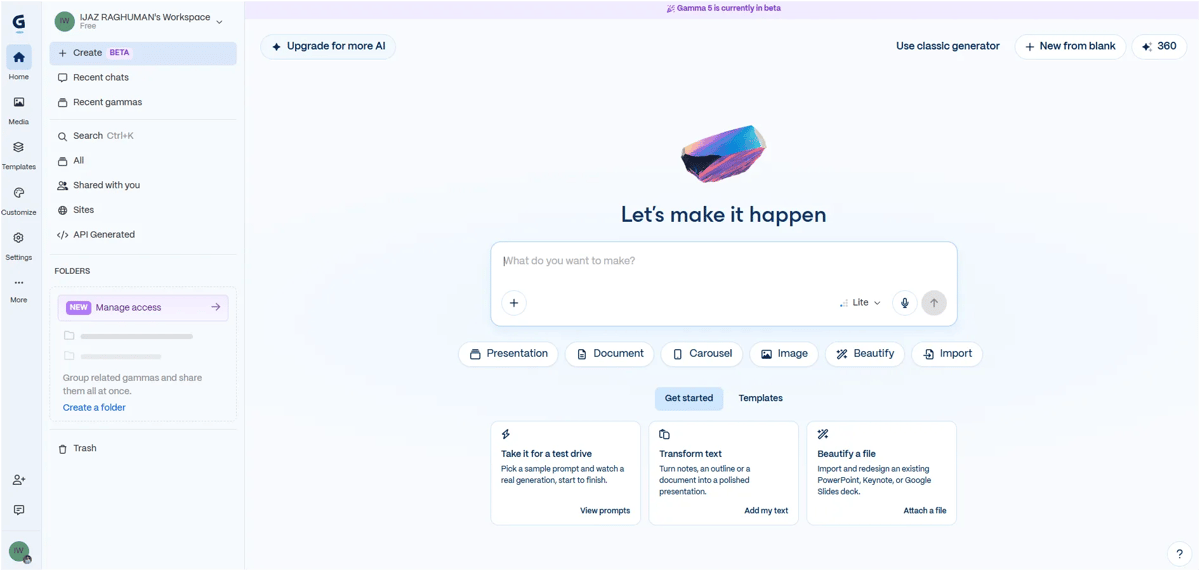
Gamma 5 is now available in public beta with a new AI-powered experience. And if you prefer the old workflow, Gamma Classic is still available too.
What Are Gamma Users Saying?
As of October 2026, Trustpilot currently has 124 reviews for Gamma, while its AI-generated summary looks at 61 recent reviews. The feedback is mixed, with users mentioning issues around customer support, billing, AI outputs and bugs, while some praise Gamma’s presentation quality and design.
Final Verdict
Gamma is strongest as an AI presentation maker. That's where our testing gave the best results: fast generation, good-looking layouts, easy editing and useful export options.
The other features are useful, but they're not equally strong. The website builder produced fairly basic, template-like results, while image generation offered more flexibility but could use a lot of credits for complex prompts.
If you need presentations fast, Gamma is worth trying. If presentations aren't your main need, I'd compare its specific features with dedicated AI tools before paying for a plan.
Frequently Asked Questions
1. Is Gamma AI worth it?
Gamma AI is worth trying if you regularly create presentations, documents or visual content and want to speed up the process. Based on our testing, presentations were one of its strongest use cases, while its AI website builder was less impressive.
2. Is Gamma AI free?
Gamma offers a free plan that lets you try its core features. In the test documented in this review, the free plan provided 400 credits, with presentation generation limited to 10 slides. Paid plans provide higher limits and access to additional capabilities.
3. Can Gamma AI create PowerPoint presentations?
Yes. Gamma can generate presentations from a prompt and export the finished presentation in formats including PowerPoint, PDF, Google Slides and PNG.
4. Can Gamma AI create websites?
Yes. Gamma can generate webpages from prompts and lets you edit and publish them on a Gamma subdomain. However, in our testing, the website output felt more template-like than the output from dedicated AI website and landing-page builders .
5. Can Gamma AI generate images?
Yes. Gamma includes multiple image-generation models and lets you choose image variations, aspect ratios, reference images and generation effort levels. The credit cost can vary depending on the model and complexity of the generation.